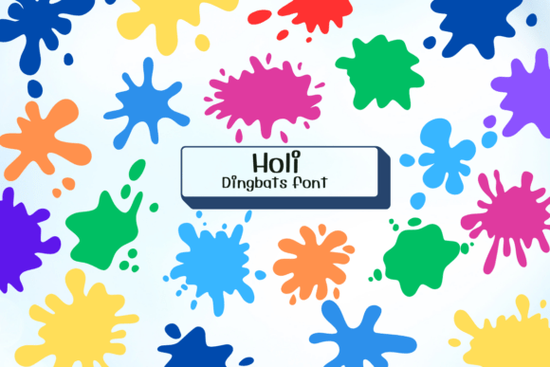
If you're looking for a fun, energetic way to add bursts of color to your designs without using actual images, the Holi Font might be exactly what you need. This isn’t a traditional letter-based typeface it’s a dingbat font packed with splashy paint blobs and dynamic splatters inspired by the exuberant spirit of the Holi festival. Whether you’re designing party invitations, kids’ activity sheets, greeting cards, or digital art for social media, these ready-to-use glyphs bring instant vibrancy with just a keystroke.
What makes this font especially handy is how easy it integrates into everyday design workflows. Since it works like any standard font, you can type characters in software like Adobe Illustrator, Canva, or even Microsoft Word and instantly get colorful splashes that scale cleanly at any size no raster images required. That’s a big plus for both print and digital projects where file size and resolution matter.
Who is the Holi Font best suited for?
This playful collection shines in contexts where joy, movement, and celebration are central:
- Party planners and invitation designers can use splatters as decorative accents around text or as background elements that suggest confetti-like energy.
- Print-on-demand sellers might layer these shapes onto mugs, T-shirts, or tote bags for seasonal collections tied to spring festivals or kids’ themes.
- Crafters and teachers will appreciate how simple it is to drop in colorful elements for worksheets, coloring pages, or classroom decorations without needing advanced illustration skills.
- Small businesses creating social media graphics can quickly add visual interest to promotions for events, sales, or community gatherings.
You can explore more examples and see how others have used it in real projects on the Holi Font dingbats fonts page, which includes previews and usage tips.
How do you actually use a dingbat font like this?
Unlike regular fonts that map letters to alphabetic characters, dingbat fonts assign symbols like splatters, icons, or illustrations to keyboard keys. With the Holi Font, each key (A–Z, 0–9, punctuation) triggers a different paint splash or blob shape. To find the right glyph:
- Install the font on your computer or design app.
- Type a character in your document you’ll see a splatter appear instead of a letter.
- Use the Glyphs panel (in Illustrator or Photoshop) or a character map tool to browse all available shapes visually.
- Change the color just like any text so one font gives you endless color combinations.
Because these are vector-based, they remain crisp whether you’re printing a poster or designing a tiny sticker. And since they’re embedded as fonts, you avoid licensing hassles that sometimes come with stock images.
Can you combine it with other design elements?
Absolutely. The Holi Font works beautifully alongside hand-lettered scripts, bold sans-serifs, or minimalist layouts. Try placing a large splatter behind a headline as a textured backdrop, or scatter small blobs around the edges of a card for a festive border. For digital creators, animating the splatters (by changing opacity or position over time) adds extra liveliness to video thumbnails or Instagram stories.
If you’re curious about similar creative tools, Creative Fabrica offers a wide range of expressive typefaces. You can search their library directly for options like the Holi Font to compare styles or find complementary assets.
Things to keep in mind before downloading
While the Holi Font is versatile, it’s not meant for body text or formal documents its strength lies in decoration and accent work. Also, check the license if you plan to use it in commercial products (most Creative Fabrica fonts include a commercial-use license, but it’s always good to verify). Finally, because it’s a single-style font, you won’t find bold or italic variants but that’s rarely needed for illustrative dingbats.
Overall, this font is a low-effort, high-impact tool for anyone who wants to inject spontaneous color and motion into their creative work without spending hours painting or editing photos.
Quick checklist before you start:
- ✅ Confirm your design software supports OpenType or TrueType fonts.
- ✅ Decide on your color palette first since you can recolor the splatters freely.
- ✅ Use the Glyphs panel to preview all available shapes instead of guessing key mappings.
- ✅ Pair with clean, readable fonts for contrast and balance.
- ✅ Review the license terms if selling physical or digital products featuring the font.
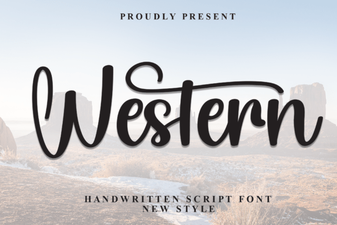 Western Fonts: Design Tips & Creative Project Ideas
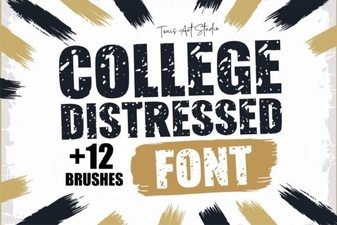 Designing with a College Distressed Font Style
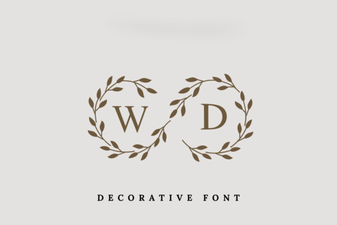 Monogram Fonts for Your Wedding Day Style
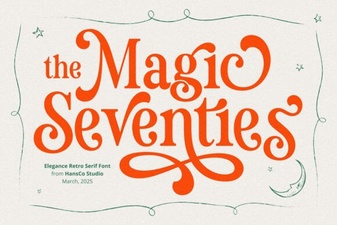 Magic Seventie Font: Creative Design Project Ideas
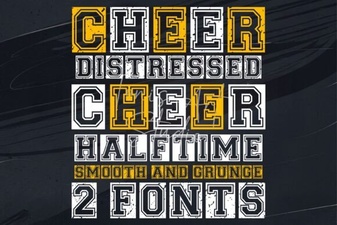 Fresh & Fun Cheer Font Styles for Creative Projects
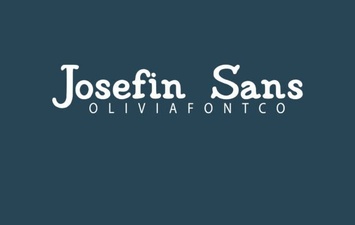 Creative Projects with the Elegant Josefin Font